Create a printable OMR answer sheet in seconds. Choose the number of questions (up to 100), add the exam name and, if you like, the student’s details. Then download a ready-to-print A4 PDF. It is free, needs no sign-up and works on iPhone, Android and computers.
How to use this OMR sheet generator
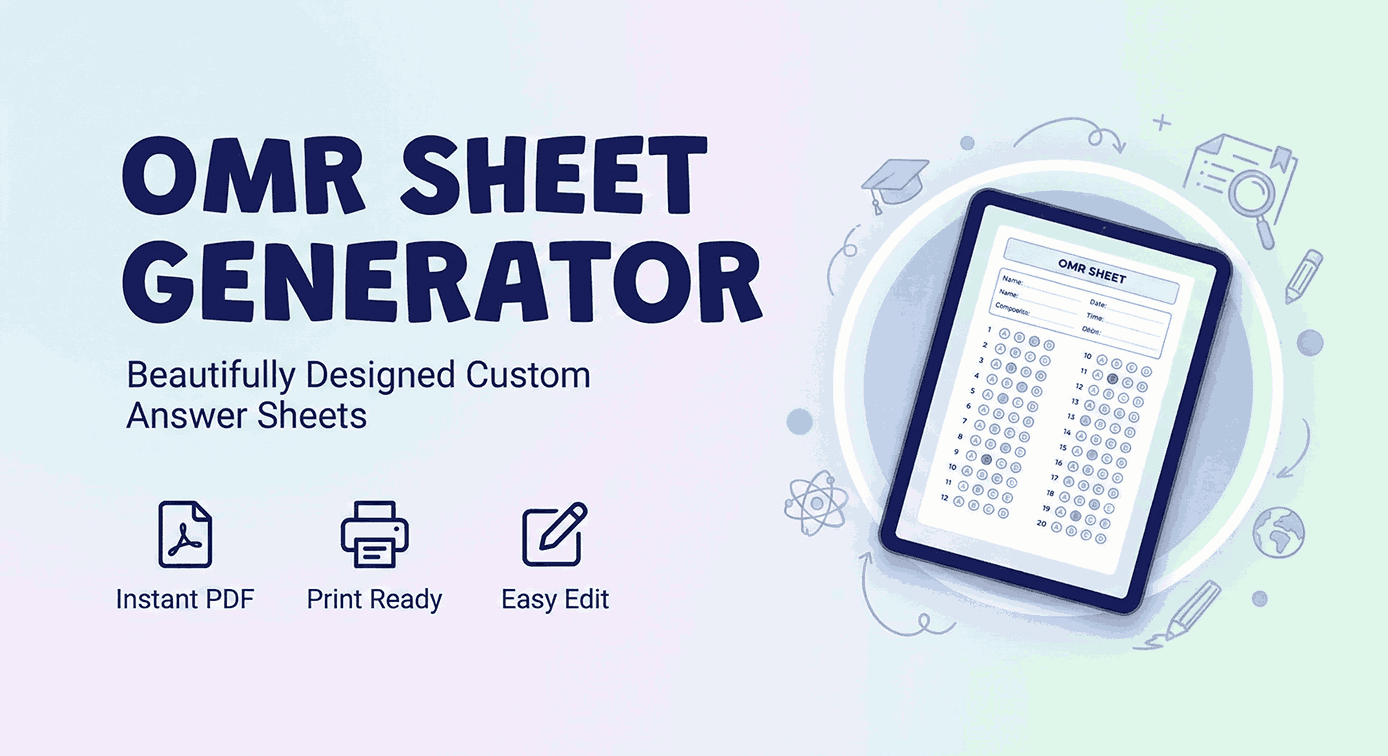
- Configure: enter your exam or institute name and set the number of questions with the slider, the number box or the quick buttons (20, 50, 75, 100).
- Personalise: pre-fill the student name, class, section, subject and roll number, or leave them blank so students can fill them in by hand.
- Download: tap Download PDF (A4). The file is saved as a single A4 page, ready to print. To print straight away, tap Open PDF to print and use your device’s Print or Share option.
About the free OMR sheet generator
Optical Mark Recognition (OMR) sheets are forms used in exams, surveys and ballot counting. Machines or scanning apps read them by detecting dark marks in set positions, so large numbers of answer sheets can be checked quickly and accurately.
This free online OMR generator makes exam answer sheets for teachers, coaching centres and schools. Instead of buying pre-printed forms, you can make a custom sheet whenever you need one, for a mock test, a class quiz or competitive exam practice. The layout follows the familiar exam pattern with a details box, instructions and A to D bubbles for each multiple choice question (MCQ).
Why use this tool?
- 1 to 100 questions: the bubble grid resizes itself so every sheet fits neatly on one page.
- True A4 PDF: the PDF is created at exact A4 size (210 × 297 mm), so it prints correctly from any phone or computer.
- Scanning markers: black corner markers help OMR scanning apps line up the sheet.
- Hindi and other languages: you can type the exam or school name in Hindi or any other script.
- Private: nothing is uploaded. The sheet is created entirely in your browser.
Frequently asked questions
How do I save the OMR sheet as a PDF on iPhone?
Tap Download PDF (A4). Safari shows the PDF or a download prompt. You can then save it to Files or share it. The file is always one A4 page, so it does not split across pages.
How do I print the OMR sheet?
Tap Open PDF to print. The PDF opens in a new tab. Use your browser’s Print option on a computer, or Share then Print on a phone. For the best result, print at 100% scale (“Actual size”) on A4 paper.
Will this OMR sheet work with scanning apps?
The sheet includes corner markers and evenly spaced bubbles in a standard layout. Whether it works depends on the scanning software you use. Many mobile OMR scanner apps let you set up a custom template, which makes this sheet usable with them.
Is this tool free to use?
Yes. The OMR sheet generator is completely free, with no limit on how many sheets you make.